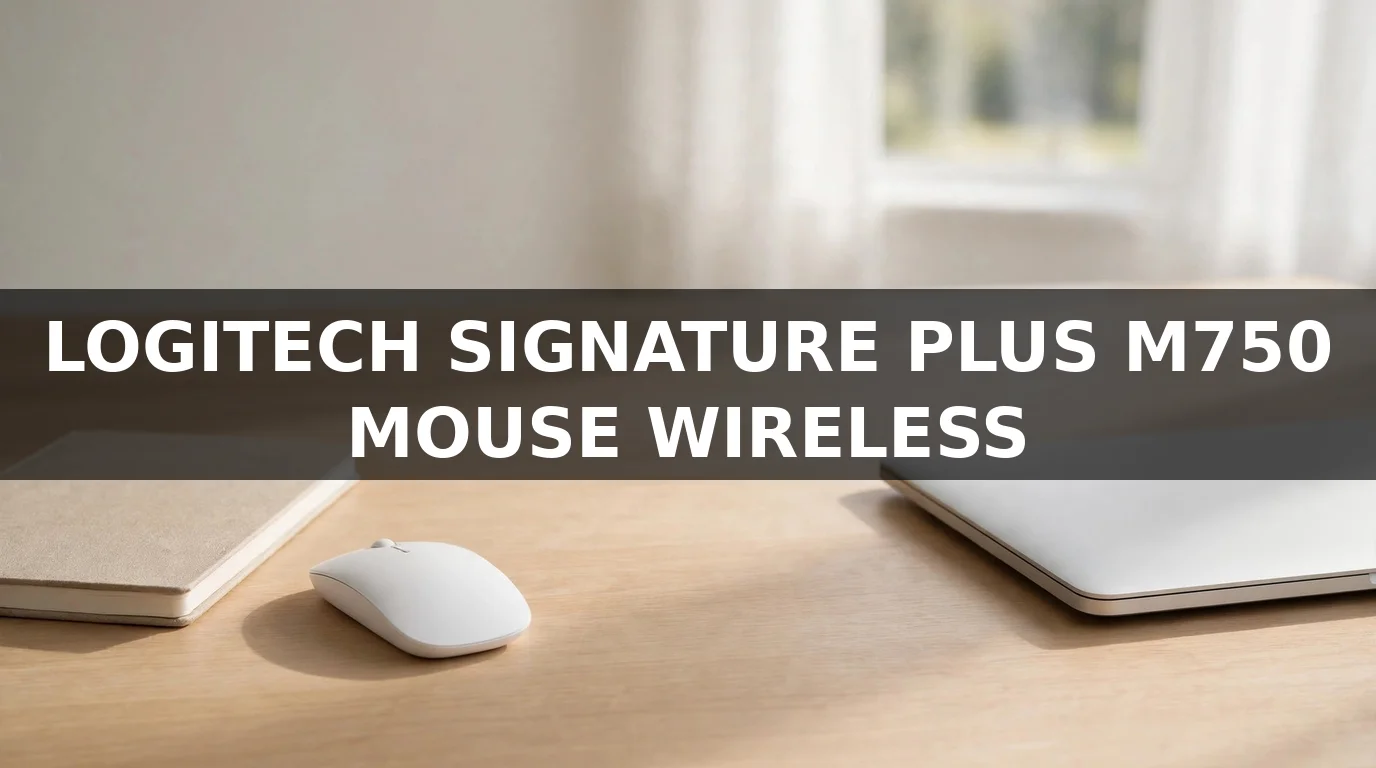
If you spend your working day clicking, scrolling, and dragging windows around, your mouse matters more than almost any other tool on your desk. The Logitech Signature Plus M750 mouse wireless model is built for exactly that kind of day: it is a mid-size office mouse with quiet clicks, a clever scroll wheel, multi-device pairing, and a battery that seems to last forever. This review looks at how it performs in real office use, what it does well, where it falls short, and who should actually buy it.
Logitech Signature Plus M750 at a Glance
The Signature Plus M750 sits in Logitech’s Signature line, between basic travel mice and the premium MX Master series. It comes in two sizes — a standard M750 and a larger M750 L for bigger hands or anyone who prefers a fuller grip — and it is shaped for right-handed users with a gently sculpted body and a soft rubber grip area.
Underneath the simple design there is a lot going on: Logitech’s SilentTouch quiet-click technology, the SmartWheel scroll wheel that switches between precise and fast scrolling, Bluetooth plus a USB receiver in the box, and pairing with up to three devices at once. It runs on a single AA battery, which Logitech rates for up to 24 months of use.
Design and Comfort
The M750 is designed to disappear into your workday. The shape fills the palm without forcing a claw grip, the sides are lightly textured so the mouse stays put without squeezing, and the matte finish resists the shiny worn look cheaper mice develop. At roughly 109 grams with the battery, it is heavy enough to feel stable but light enough to flick across a large monitor all day without wrist strain.
The larger M750 L deserves a specific mention because so many office mice are quietly too small. If you have ever used a mouse that leaves your ring finger and pinky dragging on the desk, the L version fixes that. Left-handed users, though, are out of luck — there is no left-handed version of this mouse.
The Buttons and SmartWheel Scrolling
The headline feature is the SmartWheel. Give it a gentle turn and it clicks through lines precisely, which is what you want in a spreadsheet. Flick it hard and it unlocks into a free-spinning mode that races through long documents and web pages, then settles back into ratchet mode when it slows down. In practice it becomes invisible within a day — you simply stop thinking about scrolling.
The main buttons use Logitech’s SilentTouch technology and are genuinely quiet: soft, muted clicks that will not annoy anyone in a shared office, a library, or a late-night household. There are two thumb buttons on the left side, set by default to back and forward in a browser, and the scroll wheel itself clicks as a middle button. Through Logitech’s Options+ software you can reassign the buttons and even set app-specific shortcuts, so the thumb button can copy in one app and mute your microphone in another.
Connectivity: Bluetooth, Receiver, and Three Devices
The Logitech Signature Plus M750 mouse wireless setup is flexible. In the box you get a Logi Bolt USB receiver for the most stable connection — useful if your laptop’s Bluetooth is unreliable — and the mouse also pairs directly over Bluetooth Low Energy. A small switch underneath (or the Easy-Switch button) lets you move between three paired devices: your work laptop, a home computer, and a tablet, for example.
It works with Windows, macOS, Linux, ChromeOS, iPadOS, and Android, and it supports Logitech Flow through Options+, which lets you move the pointer between two computers on the same network and even copy and paste text and files between them. For anyone who works across a laptop and a desktop, that feature alone can justify the price.
Battery Life
Battery life is one of this mouse’s strongest points. A single AA battery is rated for up to 24 months, and Logitech quotes around three hours of use from a one-minute quick charge equivalent — in practical terms, the battery is something you will change roughly once every couple of years and otherwise forget entirely. There is no USB-C charging because there is nothing to charge; when the battery finally runs low, an LED warns you and you swap in a fresh AA. Some people prefer rechargeable mice, but for an office tool, a two-year battery has its own appeal: zero cables, zero downtime rituals.
Performance in Daily Use
The sensor is a 4000 DPI optical sensor, which is far beyond what office work needs and perfectly smooth on desks, wood, paper, and most mouse pads. Tracking is accurate for documents, browsing, light photo editing, and casual design work. This is not a gaming mouse — there is no high polling rate or ultra-light shell — and it is not trying to be. For the work it is designed for, the performance is effectively flawless: no lag you can perceive over the Bolt receiver, reliable wake-from-sleep, and a connection that stays paired for months.
What Could Be Better
No review is honest without the downsides. The M750 is right-handed only, which excludes a chunk of buyers. The scroll wheel does not tilt for horizontal scrolling, something spreadsheet power users may miss from the MX Master line. The mouse is also made largely of plastic — comfortable, well-finished plastic, but if you want the premium weight and metal wheel of the MX series, this is not it. Finally, the standard size may feel small for large hands, so bigger-handed buyers should specifically look for the M750 L rather than the regular model.
Logitech Signature Plus M750 vs the Competition
Against basic budget mice, the M750 wins on comfort, the scroll wheel, multi-device pairing, and battery life — the things you notice every day. Against Logitech’s own MX Master 3S, it loses the metal wheel, horizontal scroll, USB-C charging, and ergonomic sculpting, but costs noticeably less and is lighter. Against the smaller M650, its close sibling, the Plus model mainly adds the larger-size option and Flow support. The honest summary: the M750 is the sensible middle — most of what most people actually use, without paying for flagship extras they may never touch.
Who Should Buy the Logitech Signature Plus M750?
Buy it if you work at a desk all day, switch between two or three devices, share a space with people who hate click noise, and want a mouse you can set up once and forget. It is especially good for hybrid workers moving between a home desk and an office. Skip it if you are left-handed, if you game competitively, or if you specifically want a rechargeable flagship with a metal wheel — in those cases, look at the MX Master series or a dedicated gaming mouse instead.
Frequently Asked Questions
Is the Logitech Signature Plus M750 good for large hands?
Yes, if you choose the M750 L version, which is sized for larger hands and longer fingers. The standard M750 suits small to medium hands best.
Does the M750 work without the USB receiver?
Yes. It pairs directly over Bluetooth Low Energy with laptops, tablets, and phones, and the Logi Bolt receiver in the box is there as an alternative for the most stable connection.
How long does the M750 battery last?
Logitech rates the single AA battery for up to 24 months of typical use. Actual life depends on usage, but a year or more between battery changes is realistic for most people.
Is the M750 a silent mouse?
The main clicks are very quiet thanks to SilentTouch technology — Logitech says click noise is reduced by about 90 percent compared with older models. The scroll wheel and side buttons are quiet too, though not completely silent.
Can the M750 connect to three devices at once?
It can be paired with up to three devices and switch between them with the Easy-Switch button, over a mix of Bluetooth and the USB receiver.
Final Thoughts
The Logitech Signature Plus M750 mouse wireless model is not flashy, and that is exactly the point. It takes the features office workers actually use — quiet clicks, smart scrolling, three-device pairing, and a two-year battery — and packages them in a comfortable mouse at a mid-range price. If your current mouse is a cheap bundled one that hurts your hand by 3 p.m., this is one of the most sensible upgrades you can make to your desk.
Read Also: Sterile Processing Technician: Duties, Pay & How to Start